
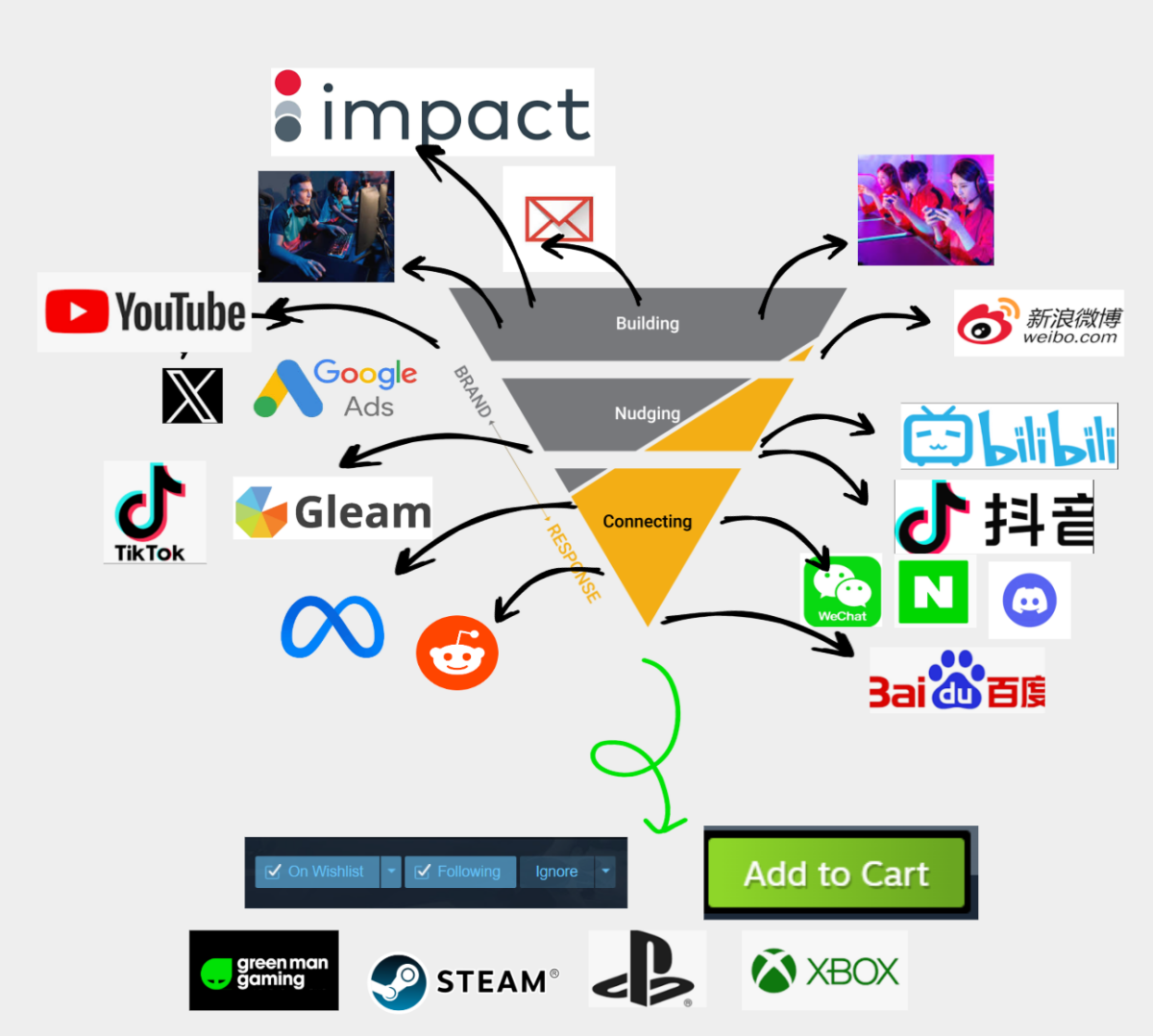
Running a successful paid media campaign in the games industry isn't just about budget it’s about giving algorithms the right fuel to learn, test, and convert. Whether you are gearing up for an Early Access launch, a major beat, or a evergreen sale, having the right creative assets and platform permissions ready before launch day prevents bottlenecks and maximizes your return on ad spend (ROAS).
At Green Man Gaming, our marketing team operates on a test-and-learn philosophy. By feeding ad platforms a diverse mix of static and video assets, we can quickly identify what resonates with players and scale winning creative.
Working alongside your brand content plans our performance marketing global activations capture gamers intent and turn that into actions = WISHLISTS and GAME SALES
Files;
While our in-house designers can build out full suites of resized and localized ad units, we can only move as fast as the raw materials we have on hand. Providing clean key art, layered PSDs, vector logos, and uncompressed gameplay/trailer footage upfront allows our team to generate the variations needed for A/B testing without waiting on external turnaround times.
The more assets we can prepare the better we can test and learn together - targeting different creatives to different cohorts of gamers to get better results.
Landing page optimisation;
A well optimised Steam page (or any store) will help to minimise wastage from any paid media, influencer and advertising campaigns.
The Green Man Gaming page mirrors your Steam page, we use the same copy, tags and creatives so make sure it's on point at the point of release and if you do optimise it after release make sure you let your account manager know so that they can update the Green Man Gaming store page too!
See our full guide on how to optimise your Steam landing page here.
Where you send traffic dictates how you should buy media.
To capture attention across Facebook Feeds, Marketplace, Right Column, Video Feeds, and X (formerly Twitter), your creative needs to be built for mobile-first, sound-off scrolling.
Because PMax automates placements across Google's entire ecosystem, volume and variety are critical.
1200 x 628), Square (1200 x 1200), and Portrait (960 x 1200). Split your CTAs 50/50 across the batch to let Google’s AI test which messaging converts best. Keep text minimal so they function cleanly as traditional display banners.1200 x 1200) and a 4:1 Landscape Logo (1200 x 300) using a clean icon or studio/publisher mark—never include taglines or text overlays inside the logo file.Publishers often worry that running agency or partner-led ads means giving up control of their official social channels or mixing ad spend. Modern ad platforms solve this through partnership permissions meaning Green Man Gaming funds and manages the campaigns from our own Business Manager, and we never touch your organic posting. The benefit here is GMG can use their own data to target as they have the consent.
To get set up smoothly, have these IDs ready:
If you are planning an upcoming campaign with us, here is the minimum viable asset checklist we use to unlock every major placement while keeping a test-and-learn structure intact:
| Asset Type | Min. Qty | Target Platforms | Who Builds It? |
| 1:1 Square Image | 3 | Meta, X, Performance Max | GMG (from raw art) |
| 1.91:1 Landscape Image | 3 | Meta, X, Performance Max | GMG (from raw art) |
| 4:5 Portrait Image | 2 | Performance Max | GMG (from raw art) |
| 600x320 Key Art & Email Assets | 1 | Email Marketing | Publisher (Key Art) / GMG (Build) |
| 1:1 Square Logo (No text) | 1 | Performance Max | Publisher / Studio |
| 4:1 Landscape Logo (No text) | 1 | Performance Max | Publisher / Studio |
| 4:5 Video (Gameplay + Cinemagraph) | 2 | Meta, X, Performance Max | Publisher / Studio |
| 1:1 Video (Gameplay + Cinemagraph) | 2 | Meta, X, Performance Max | Publisher / Studio |
| 16:9 Video (Gameplay + Cinemagraph) | 2 | Performance Max | Publisher / Studio |
| 9:16 Video (Gameplay + Cinemagraph) | 2 | Performance Max | Publisher / Studio |
We will also provide templates for clients to provide copy variants for each platform or we can do it for you!
Here's some examples;
Static Asset Examples
1:1 Images (Square)

1.19:1 Images (Horizontal)

4:5 Images (Mobile)

Getting your raw files and platform IDs organized early means your campaigns exit the learning phase faster and spend more time driving wish lists and sales.
We have 15 years experience in running performance marketing ads for the Green Man Gaming store and in this time have built up a lot of knowledge of what works best and what to avoid. We're happy to share that knowledge with our partners in order to create the most cost effective campaign possible no matter whether the budget is £1,000 to £100,000.
Get in touch with adele.simpson@greenmangaming.com to find out more about our marketing services options.